How-to
How to Download Facebook Photos in Full Size
7 October 2026 · 5 min read
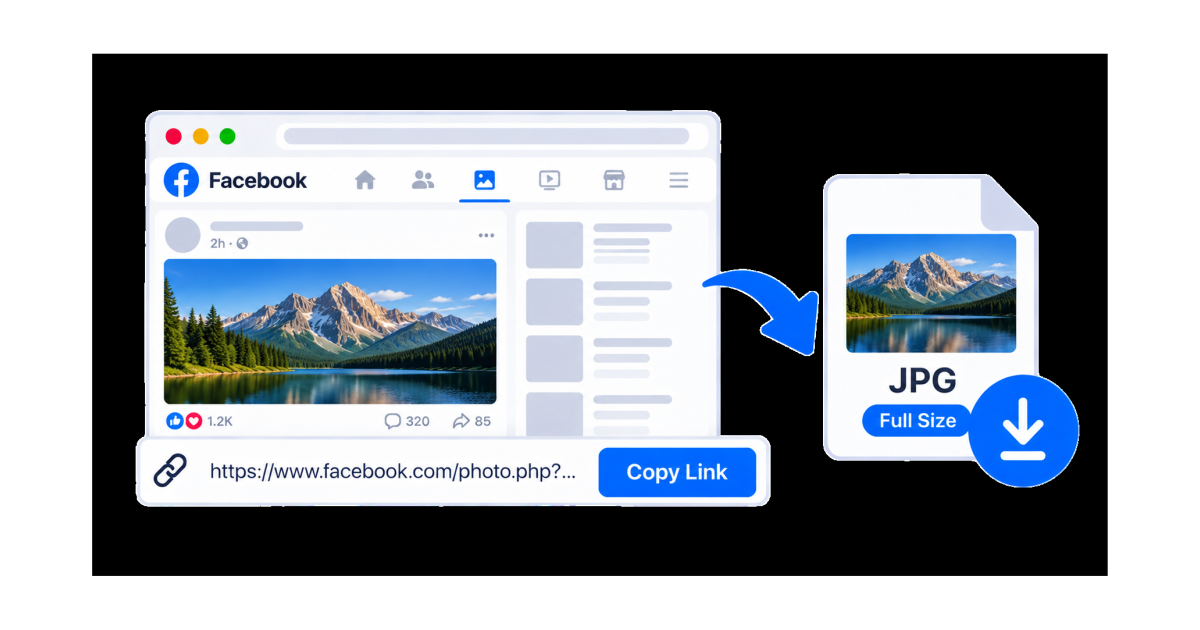
Downloading a Facebook photo in full size can be useful when you want to keep a high-quality copy of an image you own or have permission to save.
With SaveTheClip, you can copy a Facebook photo link, paste it into the Facebook Photos tool, and save the available full-size image.
This guide explains how to download Facebook photos in full size on your phone or computer.
What You Need
To download a Facebook photo, you need:
- A Facebook photo
- The photo URL
- A web browser
- An internet connection
- SaveTheClip
You can use SaveTheClip directly in your browser without installing a separate application.
How to Copy a Facebook Photo Link
The first step is to copy the link to the Facebook photo you want to download.
On Android or iPhone
- Open Facebook.
- Find the photo you want to save.
- Open the photo.
- Tap the Share button.
- Select Copy link.
The Facebook photo URL is now copied to your clipboard.
On a Computer
- Open Facebook in your browser.
- Find the photo.
- Open the photo.
- Copy the URL from your browser's address bar.
You can now use the photo link with SaveTheClip.
How to Download Facebook Photos in Full Size
Once you have the Facebook photo URL, follow these steps.
Step 1: Copy the Facebook Photo URL
Open the Facebook photo and copy its link.
Make sure you copy the complete URL so SaveTheClip can identify the photo correctly.
Step 2: Open SaveTheClip
Open SaveTheClip in your browser and select the Facebook Photos tool.
Step 3: Paste the Link
Paste the Facebook photo URL into the input field.
Check that the link is correct before submitting it.
Step 4: Process the Photo
Submit the URL and allow SaveTheClip to process the available Facebook photo.
The available result can depend on the photo and its accessibility.
Step 5: Download the Full-Size Image
When an available result is returned, choose the download option.
SaveTheClip's Facebook Photos tool is designed to provide available images in full size.
Start the download and wait for the image to finish downloading.
Download Facebook Photos on Android
You can download Facebook photos directly from an Android phone.
The basic process is:
- Open Facebook.
- Find the photo.
- Open the photo.
- Tap Share.
- Select Copy link.
- Open SaveTheClip in your browser.
- Select the Facebook Photos tool.
- Paste the URL.
- Process the link.
- Download the available full-size image.
Make sure your phone has enough storage space for the downloaded image.
Download Facebook Photos on iPhone
The same process works on iPhone.
- Open Facebook.
- Find the photo.
- Open the photo.
- Tap Share.
- Choose Copy link.
- Open SaveTheClip in Safari.
- Paste the Facebook photo URL.
- Process the link.
- Select the available download option.
- Save the image.
Depending on your browser and device settings, the downloaded image may be available through the Files app or your photo management options.
Download Facebook Photos on a Computer
Downloading a Facebook photo on a computer is also straightforward.
Copy the photo URL, open SaveTheClip, select the Facebook Photos tool, and paste the link.
After the photo has been processed, choose the available full-size image and download it.
The image can then be found in your browser's download folder.
What Does Full Size Mean?
A full-size image is generally the largest image version that is available from the source.
A larger image can provide more detail than a smaller preview or thumbnail.
However, the actual resolution depends on the original photo and what is available from Facebook. Downloading a full-size image cannot increase the resolution beyond the source image.
Can You Download Any Facebook Photo?
Not necessarily.
Some Facebook photos may not produce a downloadable result. Availability can depend on whether the photo is publicly accessible and whether the source can be processed.
Private, deleted, restricted, or unavailable photos may not be downloadable.
If a photo link does not work, check that the photo is still available and that you copied the correct URL.
What If the Facebook Photo Link Does Not Work?
If SaveTheClip does not recognize your Facebook photo link, try these steps:
- Open the photo again on Facebook.
- Use Facebook's Share option.
- Copy the link again.
- Make sure the complete URL was copied.
- Paste the link into SaveTheClip again.
- Refresh the page and retry.
- Test another publicly accessible Facebook photo.
If another photo works normally, the issue may be related to the specific photo.
Why Download Facebook Photos in Full Size?
There are several reasons you may want to save a Facebook photo.
You might want to:
- Keep your own photos as a backup
- Save a photo you have permission to use
- Keep a high-quality reference copy
- Transfer an image to another device
- Store your own images locally
- Use an authorized image in a personal project
Saving a full-size version can be useful when image quality matters.
Download Facebook Photos Without Installing an App
One advantage of using an online photo downloader is that you can work directly from your browser.
You don't need to install another application just to process a Facebook photo link.
The basic workflow is:
Copy the link → Open SaveTheClip → Paste the URL → Process the photo → Download the full-size image
This workflow can be used from both phones and computers.
Facebook Photos and Copyright
Downloading a Facebook photo does not automatically give you permission to republish, edit, or distribute it.
Photos may be protected by copyright, and the creator or rights holder may control how the image can be reused.
If you want to use someone else's photo in a website, social media post, advertisement, or other project, make sure you have the necessary permission or rights.
For your own photos or images you are authorized to use, downloading can provide a convenient local copy.
Download Facebook Photos with SaveTheClip
SaveTheClip provides a dedicated Facebook Photos tool for processing Facebook photo links.
The tool is designed to provide available images in full size.
Simply copy the Facebook photo URL, paste it into SaveTheClip, process the link, and download the available full-size image.
Final Thoughts
Downloading Facebook photos in full size can be straightforward when the photo is accessible and an available download option is provided.
Copy the Facebook photo URL, paste it into SaveTheClip, process the link, and download the available full-size image.
For the best experience, make sure the link is correct, the photo is still available, and you have permission to save or reuse the image.