How-to
How to Download Instagram Reels from a Link
6 October 2026 · 4 min read
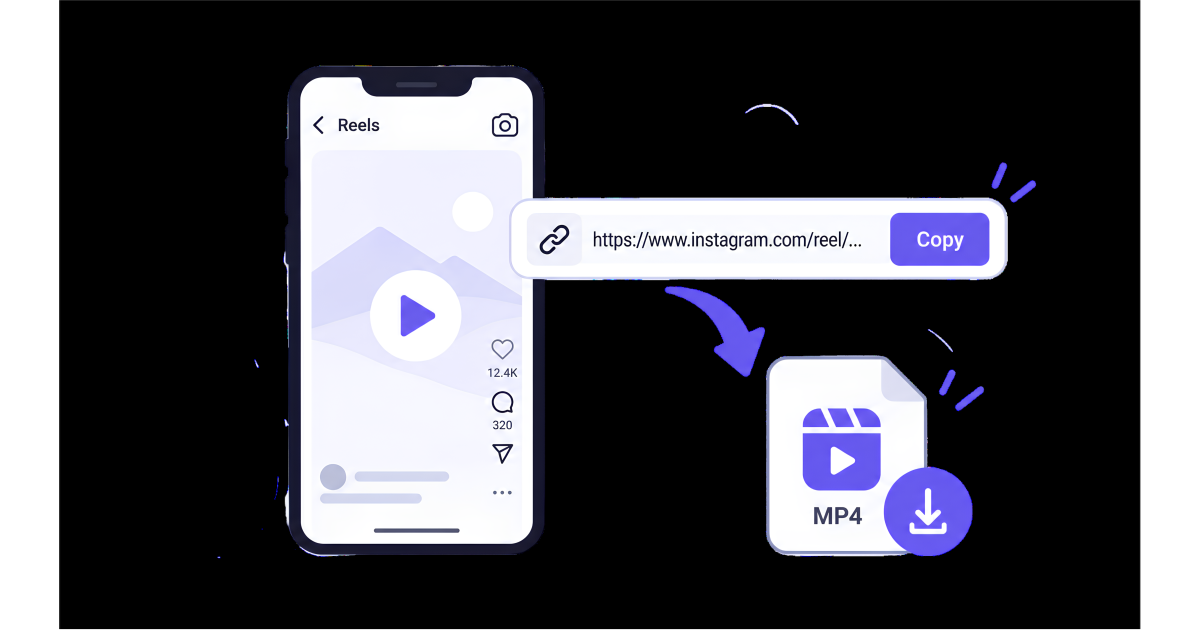
Instagram Reels are an easy way to discover short videos, tutorials, entertainment, and useful content. Sometimes, you may want to save a Reel for offline viewing or keep a copy of content you are allowed to use.
One simple approach is to use the Reel's link with an online video downloader. In this guide, we'll explain how to download Instagram Reels from a link step by step.
What You Need Before Downloading an Instagram Reel
Before you start, you only need two things:
- The link to the Instagram Reel
- A web browser with access to an online video downloader
You don't necessarily need to install a separate application. The basic process is to copy the Reel URL, paste it into the downloader, and select an available download option.
How to Copy an Instagram Reel Link
The first step is getting the correct link to the Reel you want to download.
Open Instagram and find the Reel you want to save. Then:
- Open the Reel.
- Tap the Share button.
- Choose the option to Copy link.
- The Reel URL will be copied to your clipboard.
On a computer, you can also copy the URL directly from your browser's address bar when viewing the Reel.
Make sure you copy the link to the specific Reel rather than a general Instagram profile or page.
How to Download Instagram Reels from a Link
Once you have copied the Reel link, you can use an online video downloader.
Step 1: Copy the Reel URL
Open Instagram and copy the link of the Reel you want to download.
Step 2: Open an Online Video Downloader
Open SaveTheClip or another online video downloader in your browser.
You can use the service directly from your browser without installing additional software.
Step 3: Paste the Instagram Reel Link
Find the URL input field on the downloader and paste the link you copied from Instagram.
Make sure the complete URL is pasted correctly.
Step 4: Start Processing the Link
Submit the link and wait while the service processes it.
If the link is supported and accessible, available download options may appear.
Step 5: Choose an Available Option
If multiple options are available, choose the one that best matches your needs.
For example, you may want a higher-quality version when image quality is important, or a lower-quality version when you want a smaller file.
Step 6: Download the Video
After selecting the available option, start the download.
The video should then be saved to your device's normal download location.
Can You Download Any Instagram Reel from a Link?
Not necessarily.
Whether a Reel can be processed depends on factors such as the type of link, whether the content is publicly accessible, and whether the source is supported by the downloader.
Private, restricted, deleted, or unavailable content may not be downloadable.
If a Reel link does not work, first open the link directly in Instagram or your browser to make sure the content is still available.
Download Instagram Reels on a Phone
You can follow the same basic process on Android or iPhone.
Open Instagram, copy the Reel link, then open your browser and visit the online video downloader. Paste the link and follow the available download steps.
Using a browser can be convenient because you don't need to switch between multiple applications.
Download Instagram Reels on a Computer
The process is also simple on a desktop or laptop.
Open Instagram in your browser, find the Reel, and copy its URL from the address bar. Then open the online video downloader and paste the URL into the input field.
After the link is processed, select an available download option and save the video to your computer.
What If the Instagram Reel Link Doesn't Work?
If the download doesn't start, try these steps:
- Make sure you copied the complete Reel link.
- Open the link directly to check that the Reel is still available.
- Avoid using a profile or Instagram homepage URL instead of the Reel URL.
- Try copying the link again from Instagram.
- Refresh the downloader page and retry.
- Check your internet connection.
- Try the process again later if the source is temporarily unavailable.
If the content is private or restricted, an online downloader may not be able to access it.
Choose the Right Video Quality
When download options are available, the best quality depends on what you plan to do with the video.
A higher-quality option can provide a clearer image, but it can also result in a larger file.
If you only want to watch the Reel offline, a smaller file may be enough. If you need better visual quality, choose a higher available option.
Why Download an Instagram Reel from a Link?
There are several legitimate reasons to save a Reel:
- Watching content offline
- Keeping a copy of your own content
- Saving educational or reference material
- Organizing content you have permission to keep
- Using content for editing when the creator has given you permission
Downloading a Reel does not automatically give you permission to repost, modify, or commercially use someone else's content.
Use Downloaded Instagram Reels Responsibly
Before downloading or reusing an Instagram Reel, consider the creator's rights and the rules that apply to the content.
If the Reel belongs to someone else, avoid reposting or using it commercially without the necessary permission.
For your own content or content you are authorized to save, downloading can be a convenient way to keep an offline copy.
Final Thoughts
Downloading Instagram Reels from a link can be a straightforward process when the content is publicly accessible and supported.
Simply copy the Reel URL, open an online video downloader, paste the link, process it, and choose an available download option.
If you're using SaveTheClip, the same basic link-based workflow makes it easy to work with supported video links directly from your browser.