How-to
How to Download Pinterest Videos from a Link
6 October 2026 · 5 min read
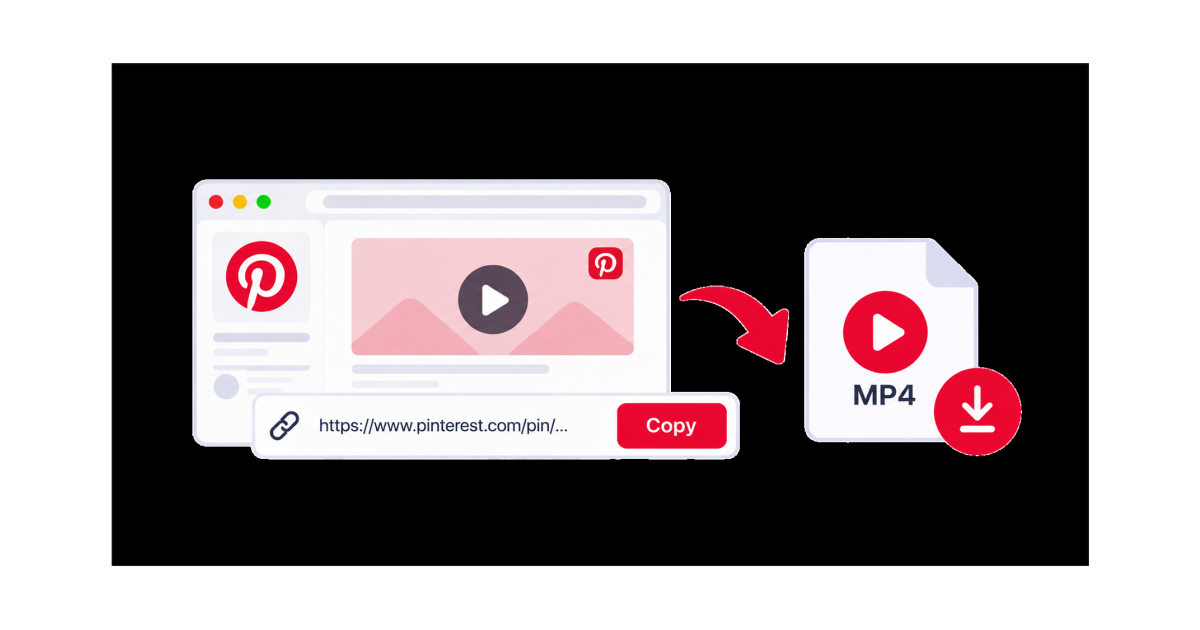
Pinterest is full of creative videos, tutorials, ideas, and visual content. If you want to save a Pinterest video that you are allowed to download, you can use its link with an online video downloader.
The basic process is simple: copy the Pinterest video link, paste it into a downloader, check the available options, and save the video to your device.
What You Need
Before you start, you need:
- A Pinterest account or access to the Pinterest video
- A phone or computer
- An internet connection
- The link to the Pinterest video
- Enough storage space on your device
A direct link to the specific Pin is usually the best option.
How to Download Pinterest Videos from a Link
1. Find the Pinterest Video
Open Pinterest and find the video Pin you want to save.
Make sure you have permission to download or reuse the content before saving it.
2. Copy the Pinterest Video Link
Open the video Pin and use Pinterest's Share option.
Select Copy link to copy the URL of the Pin.
You now have the Pinterest video link ready to use.
3. Open an Online Video Downloader
Open your browser and visit an online video downloader such as SaveTheClip.
A browser-based downloader lets you work with the Pinterest link without necessarily installing another application.
4. Paste the Pinterest Link
Paste the copied Pinterest URL into the downloader's input field.
Make sure the complete link has been pasted correctly before continuing.
5. Process the Link
Start the process and wait for the available download options.
The available options can depend on the video and its source.
6. Choose an Available Option
If different options are available, choose the one that best fits your needs.
Consider the video quality and the amount of storage available on your device.
Higher-quality files generally require more storage space.
7. Download the Video
Tap or click the download option and allow your browser to save the file.
Once the download is complete, open your device's Downloads folder or the location selected by your browser.
Can You Download Any Pinterest Video from a Link?
Not every Pinterest video will necessarily be available for download through an online video downloader.
A video may be unavailable because:
- The Pin is private
- The original content is no longer available
- The link is incorrect
- The source cannot be processed
- The video has download restrictions
- The content requires access that the downloader cannot use
Pinterest also provides a native download option for certain full-screen video Pins when the creator has enabled video downloads. Downloaded videos may include the creator's Pinterest username as a watermark.
How to Download a Pinterest Video on Your Phone
You can follow the same link-based process from a mobile browser.
On Android
- Open the Pinterest app
- Find the video Pin
- Tap the share option
- Copy the Pin link
- Open your browser
- Visit an online video downloader
- Paste the Pinterest link
- Choose an available option
- Download the video
After downloading, the file will usually be available through your phone's Downloads folder or file manager.
On iPhone
- Open Pinterest
- Find the video Pin
- Tap the share option
- Copy the link
- Open Safari
- Visit an online video downloader
- Paste the Pinterest URL
- Choose an available option
- Download the file
Depending on your Safari settings, downloaded files can be accessed through the Files app.
Download Pinterest Videos Without Installing an App
One advantage of using an online video downloader is that you can work directly from your browser.
You do not necessarily need to install a dedicated Pinterest downloader app. Simply copy the Pinterest video link, open the downloader, paste the URL, and check the available options.
This can be useful when you only need to download a video occasionally.
Download Video from Pinterest Link on Computer
You can also download Pinterest videos from a link on a computer.
Open Pinterest in your browser, find the video, copy its link, and open an online video downloader in another tab.
Paste the Pinterest URL into the downloader and wait for the available options.
Then choose the option that fits your needs and download the file to your computer.
What If the Pinterest Video Link Does Not Work?
If the Pinterest link does not work, try these steps:
- Copy the link again from Pinterest
- Make sure you copied the complete URL
- Open the original Pin to confirm it is still available
- Try a publicly accessible video Pin
- Check your internet connection
- Try the process again in your browser
Some Pins may not be downloadable because of privacy, availability, or source restrictions.
How to Choose the Right Video Quality
If multiple quality options are available, choose the one that matches your needs.
Higher resolution can provide better detail but usually creates a larger file.
Lower resolution can reduce file size and save storage space.
For casual viewing on a phone, a lower resolution may be enough. For larger screens, you may prefer a higher available quality.
Why Download Pinterest Videos?
Saving a Pinterest video can be useful when you want to:
- Watch a tutorial later
- Keep a reference for a project
- Access permitted content offline
- Save useful creative ideas
- Keep content you are allowed to reuse
Always respect the original creator's rights and Pinterest's rules when downloading or reusing content.
Download Pinterest Videos with SaveTheClip
SaveTheClip provides a browser-based way to work with supported video links.
The workflow is simple: copy the Pinterest video link, open SaveTheClip, paste the URL, check the available options, and save the video.
You can use the same basic process from a phone, tablet, or computer.
Final Thoughts
Downloading Pinterest videos from a link can be straightforward when the video and source are supported.
Copy the Pinterest video URL, open an online video downloader, paste the link, choose an available option, and download the video.
For the best results, use the direct link to the specific Pin, make sure the content is available, and only download or reuse videos when you have permission to do so.