Guides
What Is the Best Video Format for Downloading Videos?
6 October 2026 · 6 min read
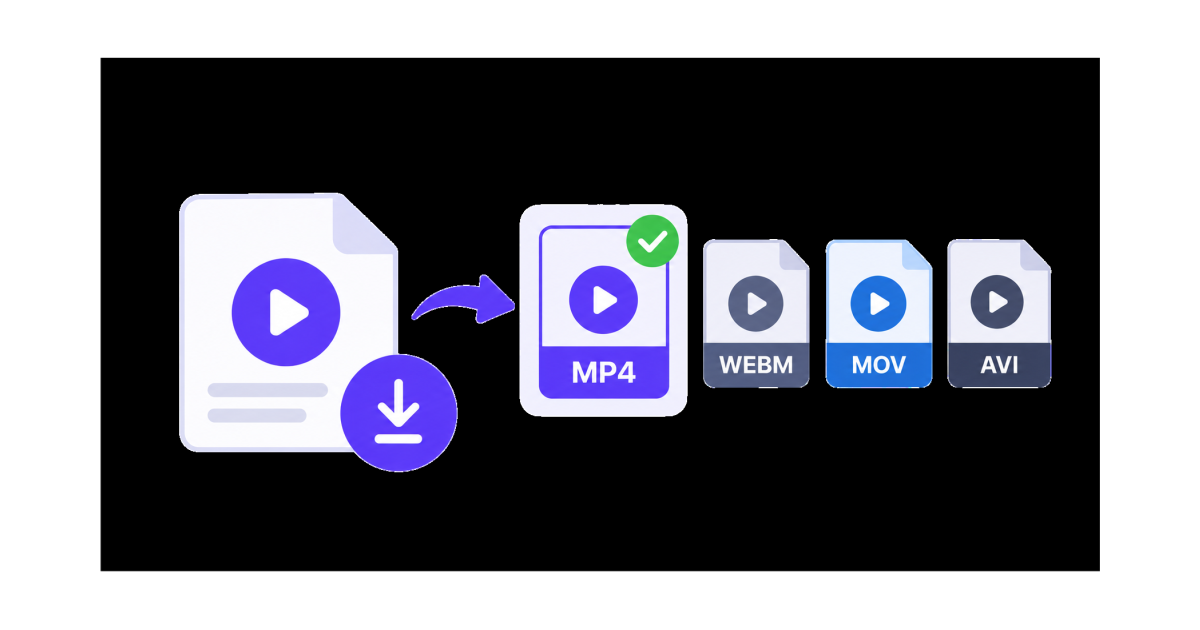
When downloading a video, choosing the right format can make a big difference in compatibility, file size, and how easily you can use the video later.
The two formats you are most likely to encounter are MP4 and WebM. Both can provide good video quality, but they are designed with different priorities in mind.
For most people, MP4 is the safest choice because it works across a wide range of phones, computers, TVs, media players, and applications.
What Is a Video Format?
A video format is the structure used to store video and audio in a file.
Common video file extensions include:
- MP4
- WebM
- MOV
- MKV
- AVI
However, the file extension is not the only thing that determines how a video behaves.
The codec used inside the file also affects video quality, compression, file size, and compatibility.
For example, MP4 files commonly use H.264 video with AAC audio, while WebM files commonly use VP8, VP9, or AV1 video with Opus audio.
MP4 vs WebM
MP4 and WebM are both popular choices for digital video, but they are useful in different situations.
MP4
MP4 is one of the most widely supported video formats.
It is a good choice when you want a video that can easily be opened, shared, edited, or played on different devices.
MP4 is commonly used for:
- Phones
- Computers
- Smart TVs
- Video editing software
- Social media
- Messaging apps
- Presentations
If you are not sure which format to choose, MP4 is usually the easiest option.
WebM
WebM was designed primarily for video on the web.
It can provide efficient compression and can be useful when file size and web playback are important.
WebM is commonly associated with modern web browsers and codecs such as VP9 and AV1.
It can be a good choice when:
- You are working mainly with web content
- File size is important
- You are using a modern browser
- You control the playback environment
However, MP4 is generally the safer choice when you need the downloaded video to work across many different devices and applications.
Which Is Better: MP4 or WebM?
For most people downloading videos, MP4 is the better all-purpose format.
MP4 offers broad compatibility and is easy to use on phones, computers, TVs, editing applications, and other devices.
WebM can be useful when you specifically want an efficient web-focused format and know that the software or device you are using supports it.
The best choice therefore depends on what you plan to do with the downloaded video.
MP4 Advantages
MP4 has several advantages that make it a popular choice for downloaded videos.
Wide Compatibility
MP4 is supported by a very large range of devices and applications.
This makes it useful when you do not know exactly where the video will be played later.
Easy to Share
MP4 is a convenient format for sending videos to other people or moving them between devices.
Good Balance Between Quality and Size
MP4 can provide good visual quality without creating unnecessarily large files when encoded appropriately.
Good for Editing
Many video editing applications support MP4, making it convenient if you plan to edit the downloaded video.
WebM Advantages
WebM also has advantages, especially for web-focused use.
Efficient Compression
WebM codecs such as VP9 and AV1 can provide efficient compression at good visual quality.
This can make WebM useful when reducing file size is important.
Designed for the Web
WebM was created with modern web video playback in mind.
It can be particularly useful when you are working with website video or web applications.
Good for Modern Browsers
Modern browsers support WebM, making it a practical choice for many web-based video projects.
Does MP4 Have Better Quality Than WebM?
Not necessarily.
The format itself does not automatically determine video quality.
The codec, resolution, bitrate, compression settings, and source video all affect the final result.
For example, a high-quality WebM file can look better than a heavily compressed MP4 file.
Likewise, a high-quality MP4 can look better than a low-quality WebM file.
When comparing two downloads, look at the available resolution and overall quality rather than choosing only based on the file extension.
Does WebM Have a Smaller File Size?
WebM can often achieve smaller files at a similar visual quality, particularly when using modern codecs such as VP9 or AV1.
However, the actual file size depends on many factors, including:
- Video resolution
- Bitrate
- Codec
- Frame rate
- Video length
- Compression settings
- Content complexity
A short video and a long video will naturally have very different file sizes even when they use the same format.
Which Format Is Best for Phones?
For most phones, MP4 is the safer choice.
MP4 is widely supported on both Android and iPhone devices and is convenient for sharing and playback.
If your downloader offers both MP4 and WebM, choose MP4 when you want the simplest experience.
WebM can still be useful if your phone or application supports it and you specifically want a smaller web-oriented file.
Which Format Is Best for Computers?
Both MP4 and WebM can work well on modern computers.
Choose MP4 when you want maximum compatibility with different applications.
Choose WebM when you mainly watch the video in a modern browser or are working with web content.
If you plan to edit the video, MP4 is generally the more convenient choice.
Which Format Is Best for Sharing?
For sharing a downloaded video with other people, MP4 is usually the better option.
You may not know what phone, computer, TV, or application the other person will use.
MP4 reduces the chance of compatibility problems and is widely supported across different platforms.
Which Format Should You Choose When Downloading?
A simple rule can help:
| Your Goal | Recommended Format |
|---|---|
| General video download | MP4 |
| Watch on different devices | MP4 |
| Share with others | MP4 |
| Edit the video | MP4 |
| Upload to many platforms | MP4 |
| Web-focused video | WebM |
| Smaller web-oriented files | WebM |
| Unsure which one to choose | MP4 |
These are general recommendations. The available options can depend on the original video and the downloader.
What About MOV, MKV, and AVI?
MP4 and WebM are not the only video formats you may encounter.
MOV
MOV is commonly associated with Apple devices and video editing workflows.
It can provide high-quality video, but MP4 is generally more convenient when you need broad compatibility.
MKV
MKV is a flexible container that can hold video, audio, subtitles, and other streams.
It is popular for certain types of video storage and media playback, but some devices and applications may have limited support.
AVI
AVI is an older video container that is still supported by some software.
For modern everyday downloading and sharing, MP4 is usually a more practical choice.
Does Video Resolution Matter More Than Format?
Format and resolution are different things.
Resolution describes the number of pixels in the video, while the format describes how the video is stored.
For example, a video can be:
- 2160p MP4
- 1440p MP4
- 1080p MP4
- 720p MP4
- 480p MP4
- 360p MP4
The same resolutions can also be available in another format, depending on the source.
A higher resolution generally provides more detail but can also produce a larger file.
What Should You Choose on SaveTheClip?
When SaveTheClip provides multiple download options, choose the format and quality that match how you plan to use the video.
If you want a file that is easy to play, share, and use on different devices, MP4 is generally the most convenient choice.
If WebM is available and you are working mainly with web content or want an efficient web-oriented format, WebM can also be useful.
The available formats and quality options can vary depending on the video source.
Final Thoughts
There is no single video format that is perfect for every situation.
For most people, MP4 is the best format for downloading videos because of its broad compatibility, convenient sharing, and support across phones, computers, TVs, and many applications.
WebM is a strong alternative when you are working mainly with web content and want efficient compression.
When choosing a download format, consider where you will watch the video, whether you need to edit or share it, how much storage you have, and which formats your devices support.